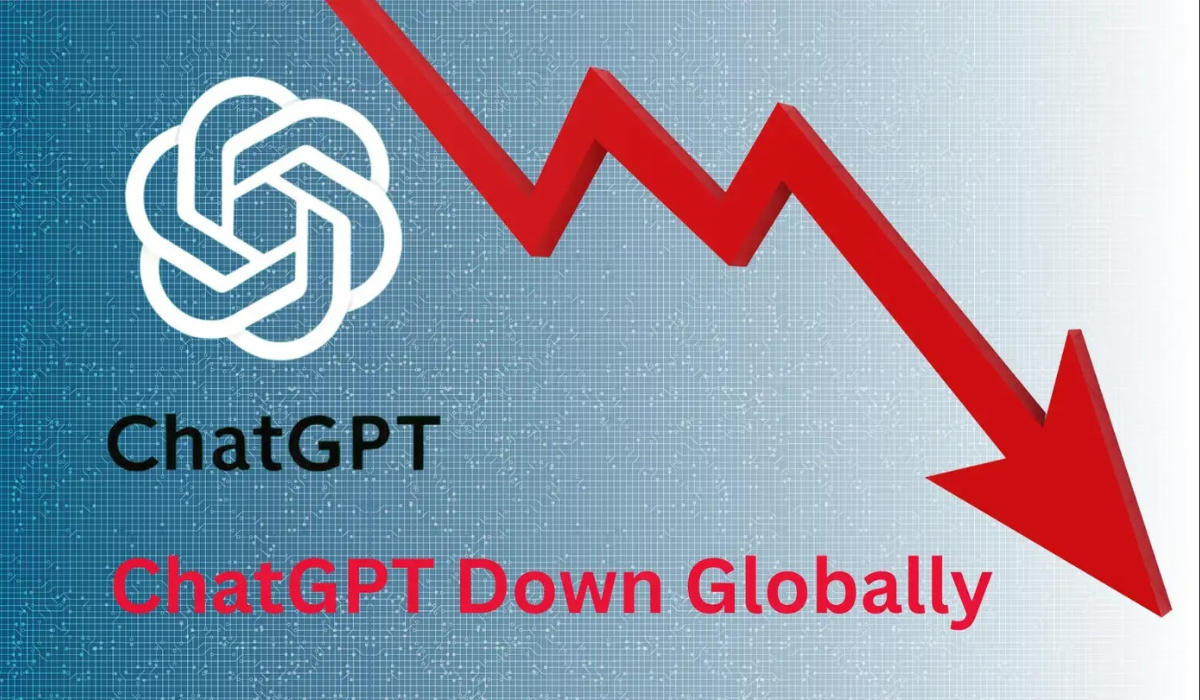

If you’re getting an error when trying to make images in ChatGPT, you’re not alone. OpenAI has confirmed a partial outage, with its status page reporting that image generation is unavailable while it works on a fix. Text chat keeps working. Here’s what’s happening, how to check the current status, and what you can do while it’s down.
Key Takeaways
- OpenAI confirmed a partial outage affecting ChatGPT image generation
- Its status page said image generation was unavailable during the issue
- Text chat and other features kept working for most users
- ChatGPT returns an error message in place of the image
- The fix is best tracked live at status.openai.com
What’s Happening
This one is confirmed by OpenAI itself. If you receive an error when trying to generate images with ChatGPT, OpenAI has acknowledged a partial outage, with its status page stating that image generation is unavailable in ChatGPT while it implements a mitigation.
The error shows up in place of your picture. Rather than producing an image, ChatGPT returns a message saying it wasn’t able to generate the image due to an error on its side, or similar wording, according to MacRumors.
It’s a targeted failure, not a full blackout. Text conversations and other ChatGPT features have continued working for most users, so the disruption is specific to the image-generation component rather than the whole platform.
The scope isn’t limited to one app. Because image generation runs on OpenAI’s backend, the problem can surface across the web app, mobile apps, and tools that rely on the same system.
How to Confirm It’s Not Just You
The fastest check is OpenAI’s own status page. Heading to status.openai.com shows whether there’s an active, confirmed incident, and during this outage it flagged image generation as unavailable with a mitigation in progress.
Outage trackers help too. Sites like Downdetector aggregate user reports, and a spike in complaints about image generation is a strong sign the issue is widespread rather than tied to your account. An earlier July incident, for example, drew more than 100 reports on Downdetector’s India tracker before it cleared.
The pattern is familiar. Image generation has been one of ChatGPT’s more outage-prone features, with similar failures surfacing periodically, so a confirmed status-page incident is the clearest signal that the cause is on OpenAI’s end.
Why ChatGPT Image Generation Keeps Breaking
The usual culprits are predictable. Past incidents have typically traced back to server overload, high demand, backend updates, or temporary infrastructure issues on OpenAI’s side.
The mechanics explain why images fail first. Generating an image is far more resource-intensive than returning text, so when systems come under strain, image requests tend to break before ordinary chat does, exactly the split users see during these outages.
Not every failure is an outage, though. When there’s no confirmed incident, an image error can also stem from an exhausted usage quota, a prompt that trips content restrictions, a browser-session glitch, or a model that doesn’t support image generation.
What You Can Do While It’s Down
If OpenAI has confirmed an incident, patience beats troubleshooting. When the failure is on OpenAI’s side, local fixes won’t help, and firing off repeated requests can waste your usage quota without producing an image.
When the status page looks clear, a few steps sometimes resolve account-side errors:
- Start a fresh chat and confirm an image-capable model is selected
- Refresh the page, or sign out and back in
- Simplify the prompt in case it tripped a content filter
- Check the Library or Images tab, as the image may have generated without displaying
- Wait and retry later rather than spamming requests during an incident
For anything urgent, alternatives exist. Other image generators like Google’s Gemini or third-party tools can cover a one-off need while ChatGPT’s image feature recovers.
The Bottom Line
For now, this is a confirmed, OpenAI-side partial outage affecting image generation, not a broad ChatGPT collapse, with text chat largely intact and a mitigation reportedly underway. The exact cause and full duration weren’t detailed at the time of writing.
The smart move is verification plus patience. Check status.openai.com for the live state, avoid burning through retries, and give OpenAI time to push the fix. Because this kind of incident tends to resolve within hours, most users should see image generation return without needing to do anything.
Digital Trendings is your trusted source for AI news and updates, stay tuned for more.